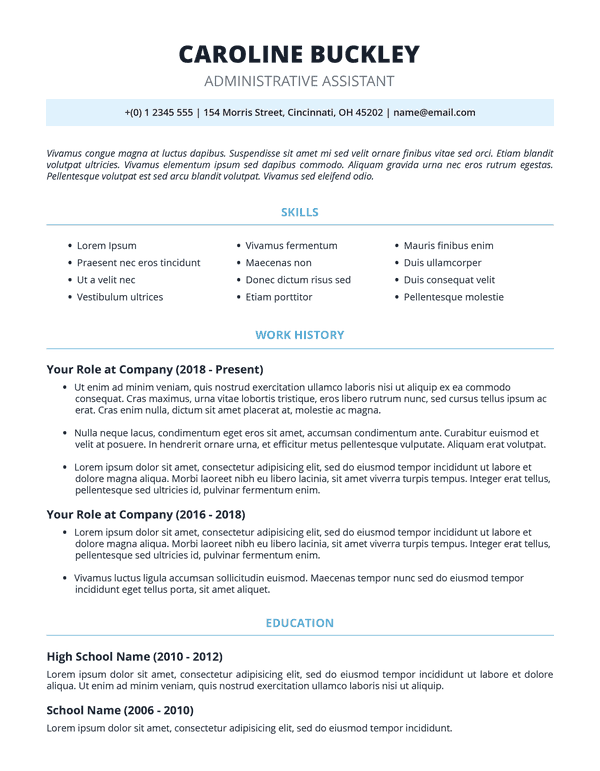
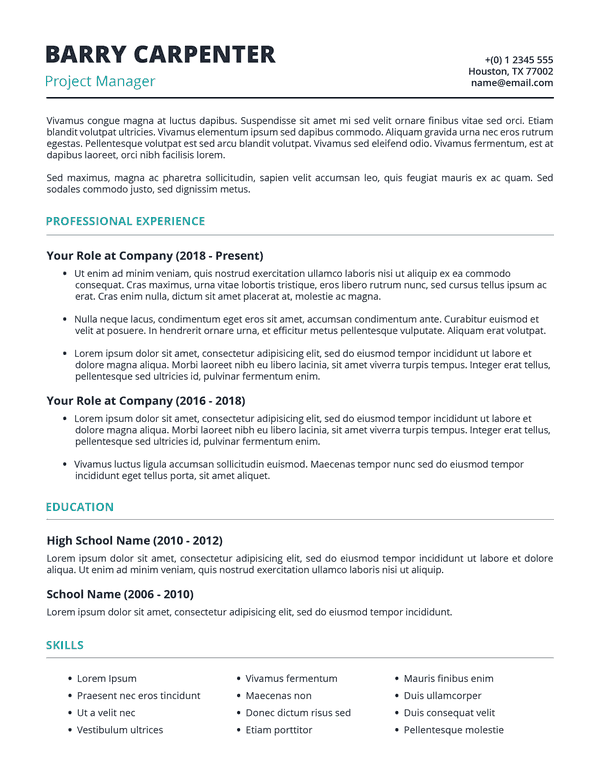
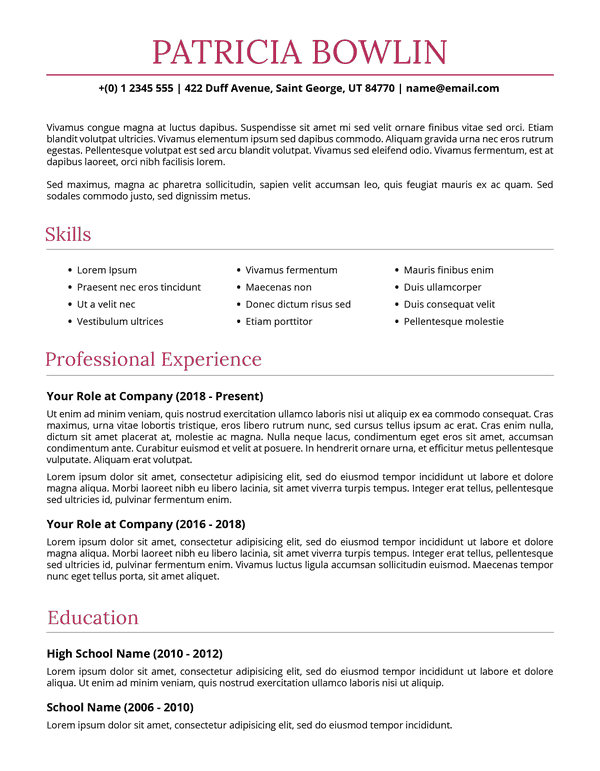
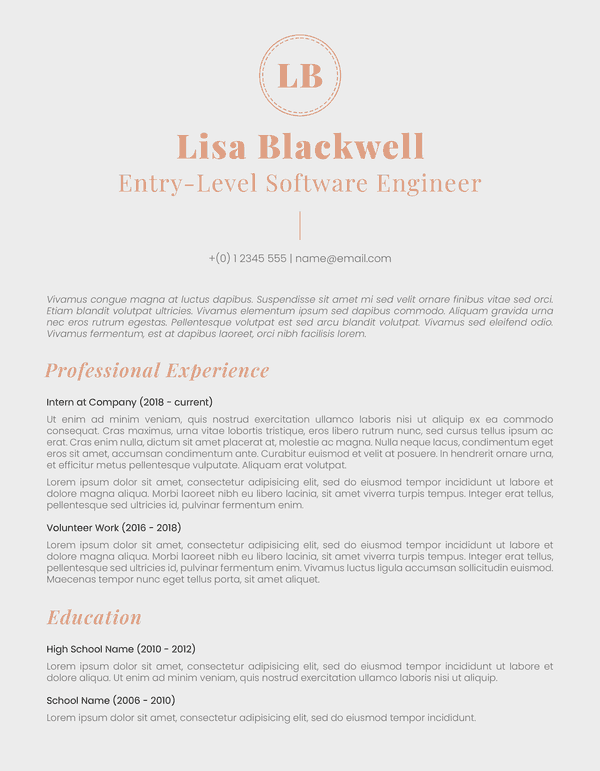
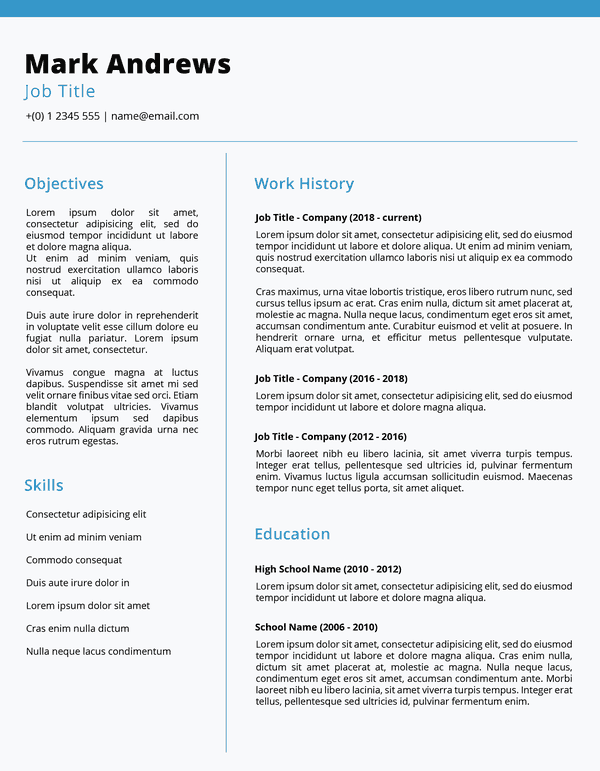
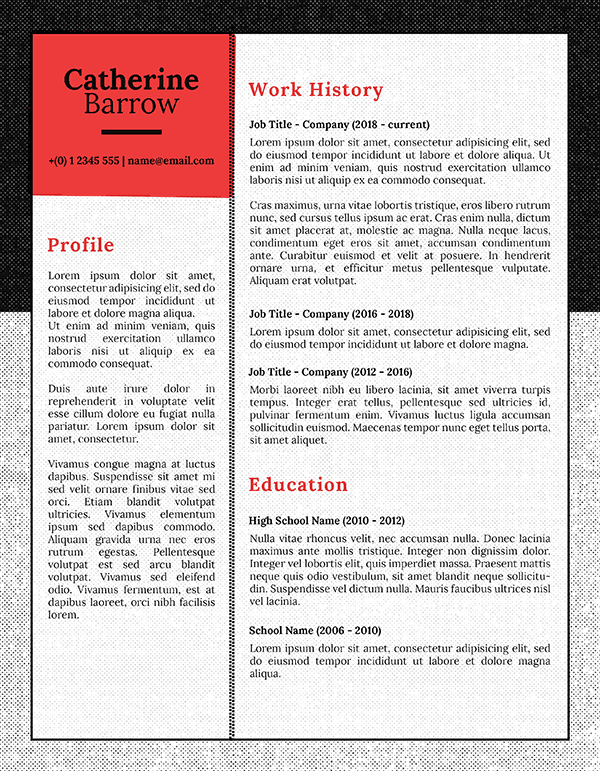
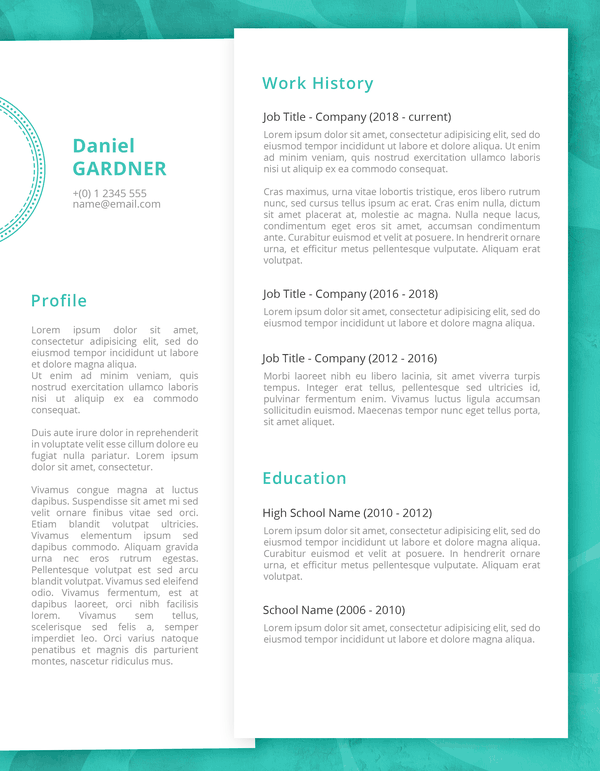
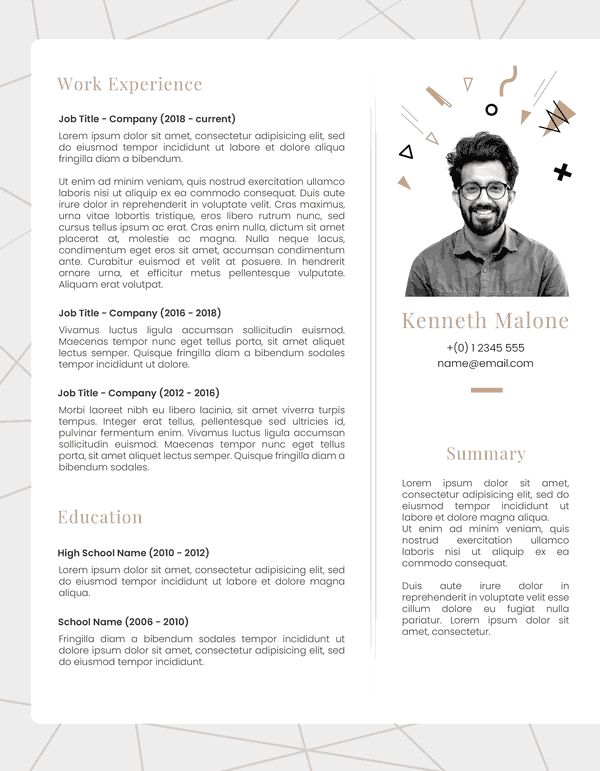
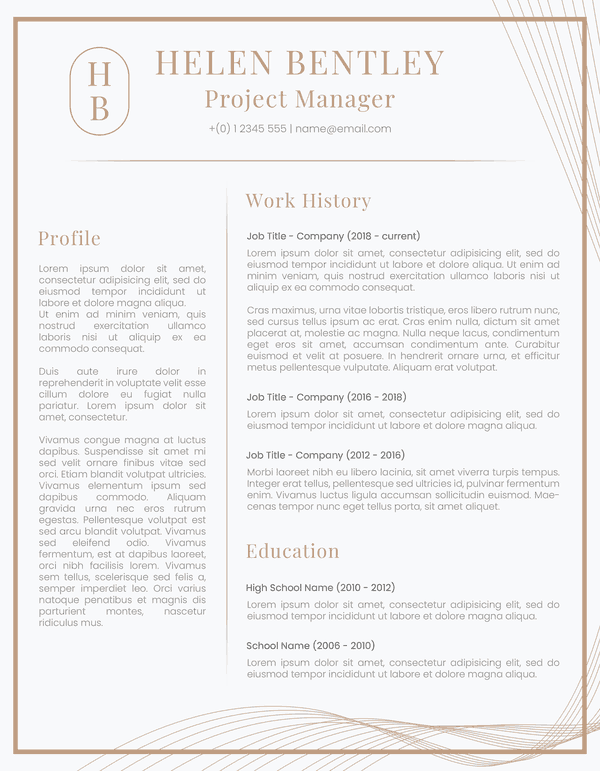
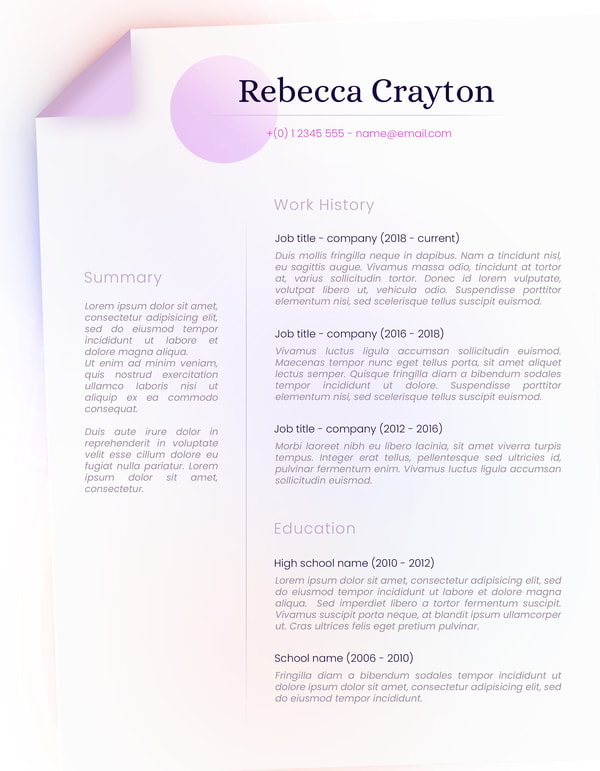
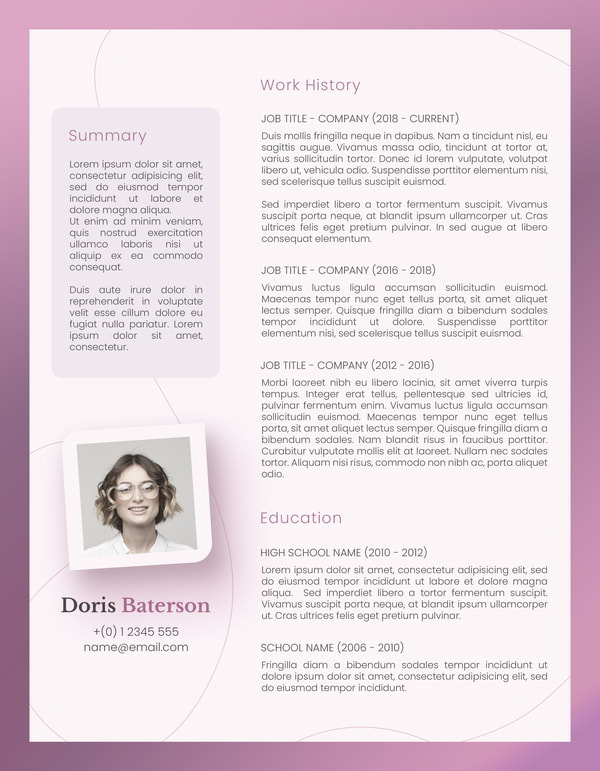
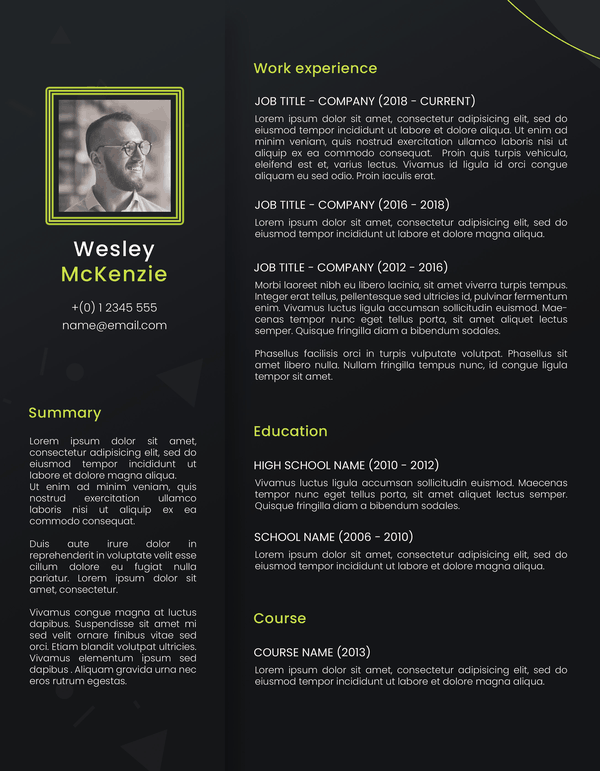
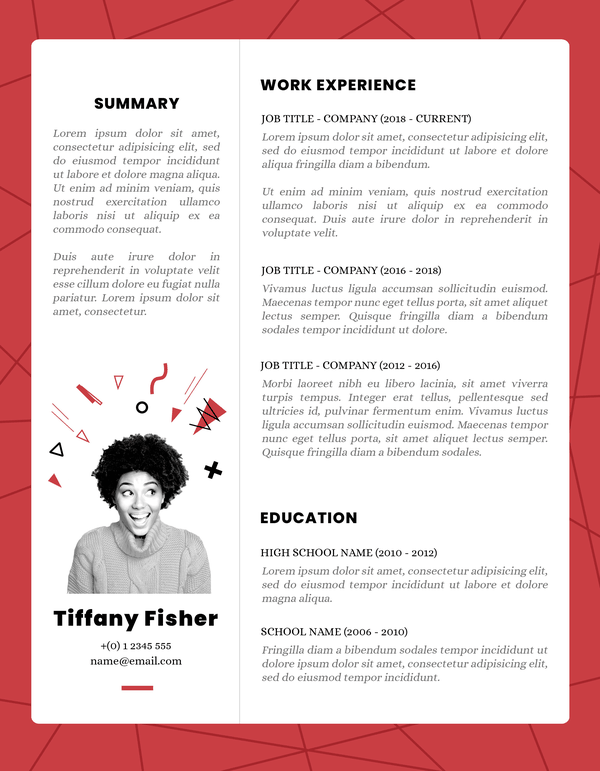
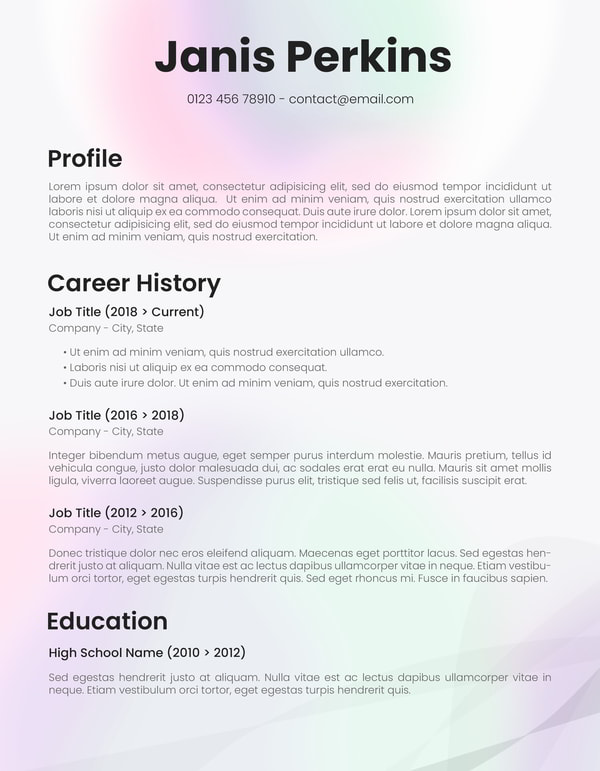
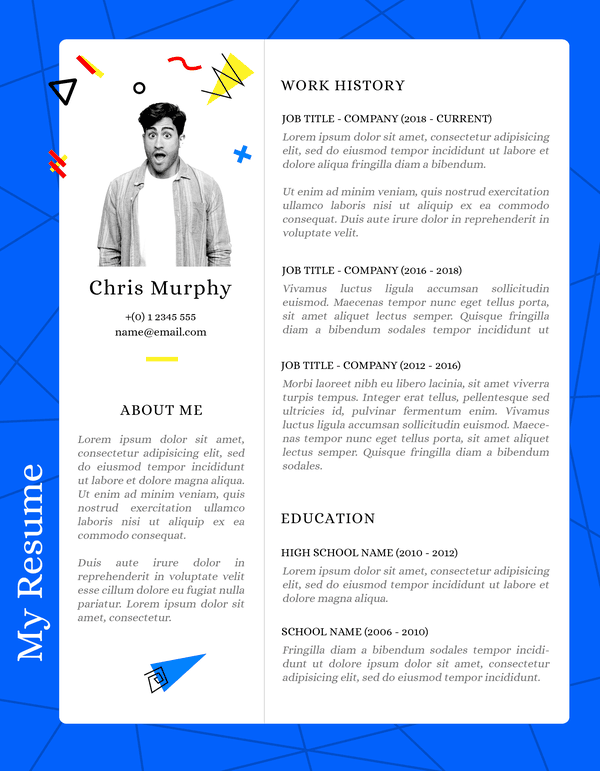
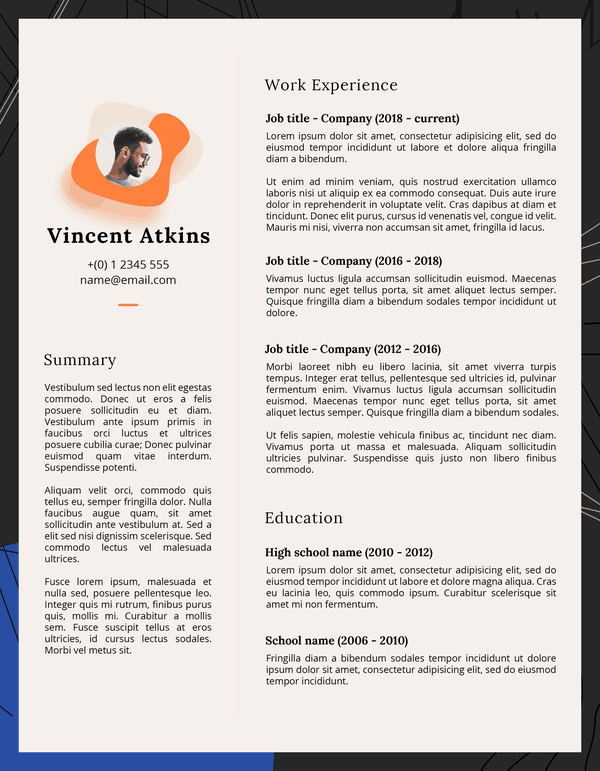
Level up your job hunt with this modern resume template for Google Docs! The secret sauce to make
Crafting Your Perfect Resume Just Got Easier: Dive into the World of Free Google Docs Resume Templates!
If you’ve ever found yourself staring at a blank document, wondering how on earth to make your resume stand out, no worries! I have crafted these easy, ready-to-use Google Docs resume templates for you. They will make your resume sparkle without breaking the bank. Yes, these templates are free!
Why Google Docs You May Ask?
Well, aside from the fact that it’s free to use (who doesn’t love freebies?), Google Docs is a cloud-based platform that lets you access your resume from anywhere with an internet connection. Say goodbye to the days of losing your precious work because your computer crashed – Google Docs auto-saves your progress. It’s like having a personal resume guardian angel.
The Collection: Modern, Diverse, Professional, and Absolutely Free!
Now, let’s talk about the real stars of the show – the templates. You will find on SmashingDocs a treasure trove of free resume templates that cater to every taste and professional field. From sleek and modern to classic and timeless, there’s a template for everyone. You can find templates suitable for creative industries, corporate jobs, and everything in between.
But wait, it gets better. These templates are not just aesthetically pleasing; they’re also user-friendly. You don’t need to be a design guru to create a stunning resume. With just a few clicks, you can customize fonts, colors, and layouts to suit your personal style.
How to Access the Magic
Getting your hands on these templates is as easy as pie. Pick the design that speaks to you and click the link “Open in Google Docs”. On the new window, hit “Make a copy”, and voilà – you can now edit the template with your info and start filling in the blanks.
By the way, if you feel more comfortable with Microsoft Word, I’ve got you covered as well!
How to Write a Good Resume: 3 Pillar Practices
Great resumes persuade. They persuade the reader to take a concrete step — shortlist your candidacy, run your resume in front of the decision-makers, and invite you to the interview.
But if you ever sat down to write a resume, you know that your content can appear passive. The writing lacks structure, your skills are all over the place, and you struggle to fit the bulk of your experience into one page.
So how do you get from a ho-hum resume to an action-inspiring one? Here are the best tips, based on industry expertise.
1. Put The Most Important Information Up Front
It’s no secret that recruiters spend just a few minutes on each resume. They skim first to decide if the copy is worth their time. Your second goal is to stop them in their tracks and persuade them to pay attention.
Put some of your biggest “bragging rights” atop your resume in a featured resume summary. (Many of SmashingDoc’s resume templates include this section!).
2. Tell a Story Through Data
A resume is the first “introduction” of your persona to the employer. Similar to a compelling sales deck, you need to make a mark with that introduction.
Compare these two resume work experience entries:
Basic
Data-backed
Developed paid advertising campaigns for a local restaurant; performed SEO optimization.
Ran a seasonal Facebook ad campaign which brought a 25% increase in foot traffic over 4 weeks. Achieved top-5 positions in Google for competitive keywords like “best pizza in Denver”, “buy fresh burrata”.
The first one recaps duties. It could have been written by any other applicant. The second one suggests specific results and describes the exact value, delivered by the job seeker for a past employer. Go with the second option.
3. Context is Key
When reading your resume, a potential employer must picture you in action. That’s hard to do if you are only offering generic details and don’t go into the specifics of your career.
Hook, Engage, Persuade
A good resume grabs the recruiter’s attention with a wow statement in the summary. Then engages their mind with data-backed descriptions of your duties — and persuades them to call you in for an interview with extra contextual details.
So, go ahead, unleash your creativity, and let your career journey take off on the wings of a well-crafted resume. All that’s left for you is select a resume template you fancy and start filling up the gaps! Your dream job is just a template away! Happy job hunting!